macOS
Apple Silicon · macOS 12 or later
Open the disk image and drag Tatu to Applications. It is signed and notarized by Apple, and it updates itself.
Intel Macs are not supported yet. Use the terminal instead.
Use it in a window, in a terminal or from your phone. It is the same tatu: the same sessions, settings and sign-ins. Free, with no account to create.
macOS, Linux, iPhone and Android
All your projects and sessions in one window, with a notification when an agent needs an answer. It brings its own tatu: there is nothing else to install, and it shares the settings and sign-ins of the terminal.
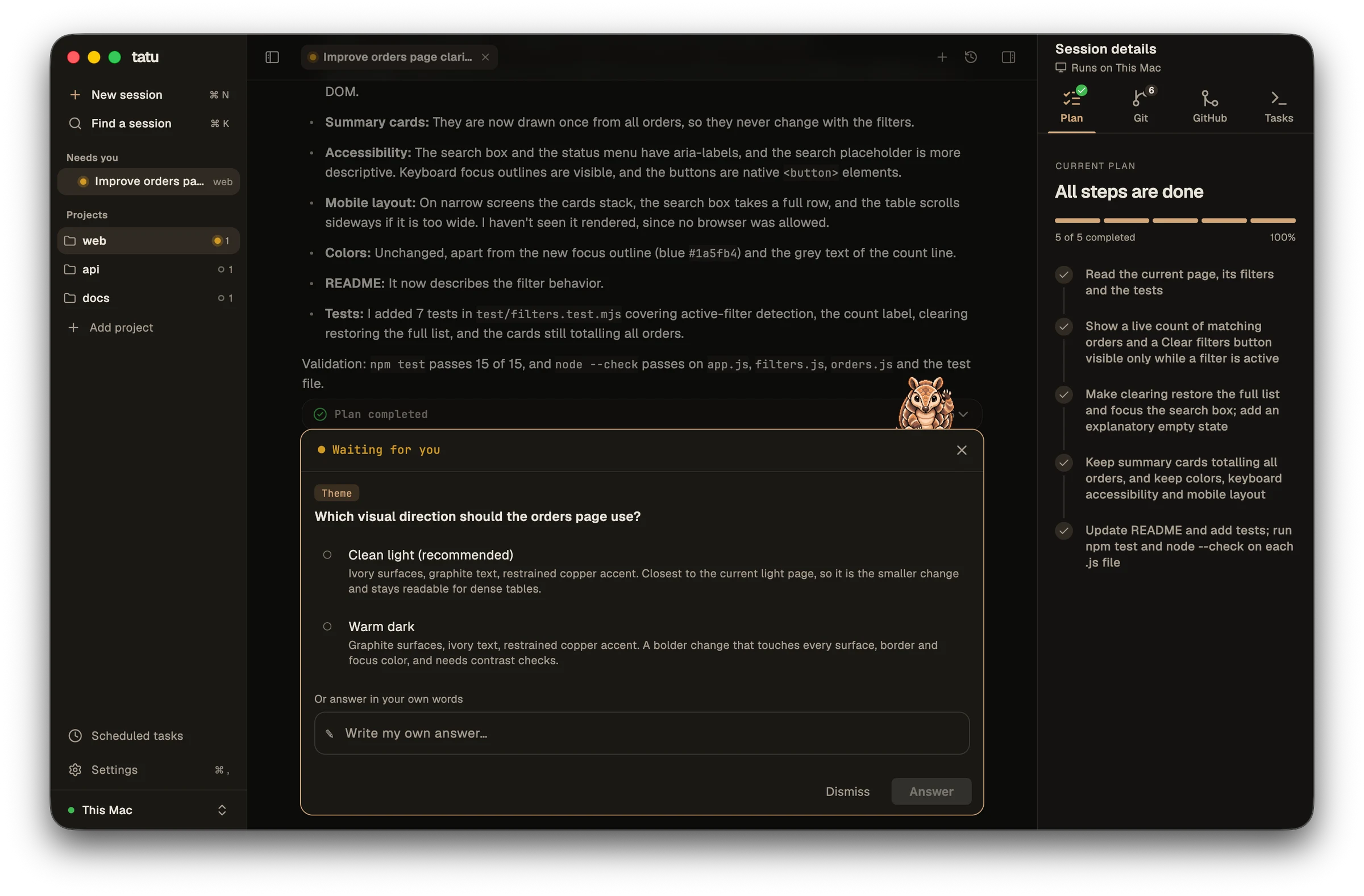
Apple Silicon · macOS 12 or later
Open the disk image and drag Tatu to Applications. It is signed and notarized by Apple, and it updates itself.
Intel Macs are not supported yet. Use the terminal instead.
amd64 or arm64 · Ubuntu 22.04, Debian 12, Fedora 36 or newer
One command installs it under your home folder, adds Tatu to your applications menu and needs no root.
curl -fsSL https://get.tatu.codes/app/install-linux.sh | bashOr download the package for amd64 or arm64. The app tells you when a newer version is out, and running the command again updates it. More about the install
For macOS and Linux, on arm64 or amd64. No root, no runtime, and the download is checked against a SHA-256 checksum.
curl -fsSL https://get.tatu.codes/install.sh | bashOpen a project and start tatu.
tatuRun /login inside tatu, or set a key in the environment. Then ask for something.
Later, tatu update replaces it with the latest version. Install and update · Your first session
The app follows your sessions and answers them, with a push notification when one needs you. It pairs with tatu running on your computer, in the desktop app or in the terminal.
Download on the App StoreJoin the Android beta →About the app →
Tatu runs commands and edits files with your permissions, and reads AGENTS.md and .tatu/settings.json from the project as instructions. Only run it in projects you trust. More on security